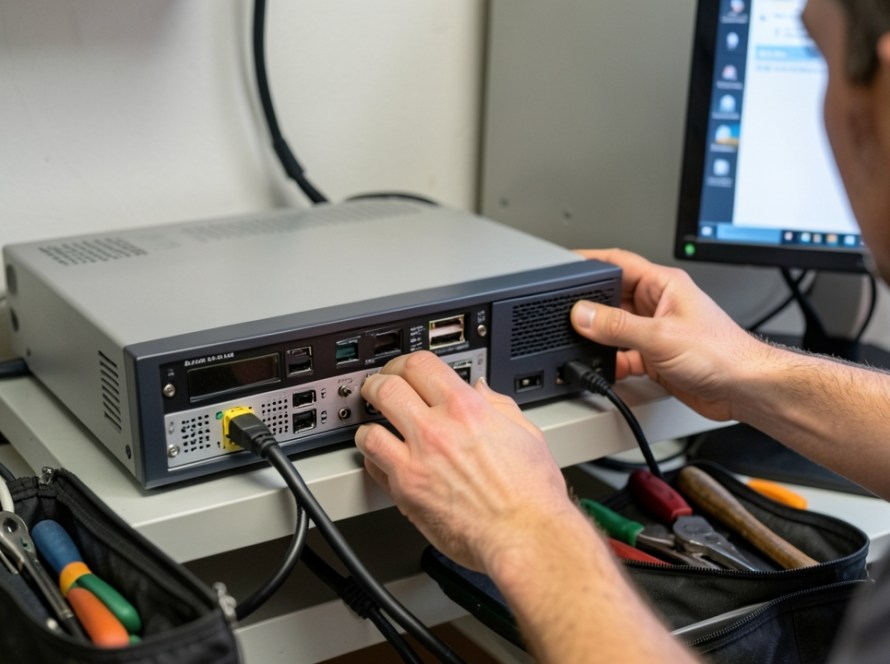
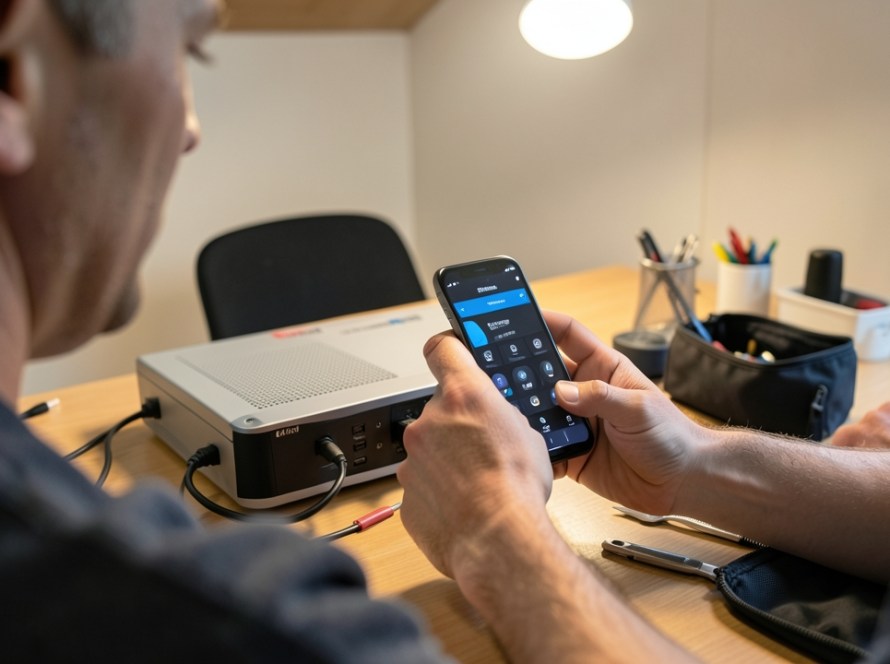
If your IP security cameras operate perfectly throughout the day but randomly disconnect, reboot, or show a video loss error as soon as dusk falls, the underlying issue is rarely a failing camera or a broken internet connection. In the majority of installation environments, this pattern points directly to an exceeded Power over Ethernet (PoE) switch power budget.
Understanding why this happens requires looking at how camera hardware behaves in low-light conditions and how network switches supply electrical power over Ethernet cables.
Why Night Vision Triggers Connection Failures
During daylight hours, an IP security camera requires relatively little electrical power. The image sensor processes natural light, and the onboard processor encodes the video stream. A typical fixed turret or bullet camera might draw between 3 and 5 Watts during daytime operation.
When ambient light drops below a specific lux threshold, two hardware changes occur simultaneously inside the camera:
- Infrared IR Cut Filter Activation: A physical mechanical filter moves away from the image sensor so the camera can perceive infrared light.
- Infrared LED Illumination: High-power IR LEDs switch on around the lens to illuminate the area in total darkness.
Activating these infrared illuminators significantly increases the camera’s power consumption. A camera that consumes 4 Watts during the day can instantly draw 9 to 12 Watts at night. If the camera features built-in white light spotlights, pan-tilt-zoom (PTZ) motors, or internal enclosure heaters, nighttime power demand can spike even higher.
Understanding PoE Port Limits vs Total Power Budget
Power over Ethernet allows a single network cable to carry both data and electrical power from a PoE switch or Network Video Recorder (NVR) directly to the IP camera. However, two distinct specifications determine whether your switch can supply adequate electricity: per-port power and total PoE power budget.
1. PoE Standards and Per-Port Limits
Network devices adhere to standard IEEE PoE classifications:
- IEEE 802.3af (PoE): Delivers up to 15.4W per port (guaranteeing 12.95W at the camera after cable distance losses).
- IEEE 802.3at (PoE+): Delivers up to 30W per port (guaranteeing 25.5W at the device).
- IEEE 802.3bt (PoE++): Delivers up to 60W or 90W per port, typically reserved for heavy-duty outdoor PTZ cameras with heaters.
2. Total PoE Power Budget
The total power budget is the maximum combined wattage a PoE switch can distribute across all its ports at the same time. This is where most sizing mistakes happen. An 8-port PoE switch might feature eight 802.3af ports, suggesting it can deliver 15.4W per port. However, the switch manufacturer may design the internal power supply with a total budget of only 60 Watts across the entire chassis.
Consider this real-world example:
- You connect 8 IP cameras to a switch with a 60W total budget.
- Daytime draw: 8 cameras x 4W = 32W. (The switch operates comfortably under its 60W limit.)
- Nighttime draw: 8 cameras x 9W = 72W. (The total power request exceeds the switch limit by 12W.)
When total power consumption exceeds the hardware capacity, the PoE switch protects itself by shutting down power to specific ports, cycling power to reset devices, or temporarily dropping ports with lower power priority settings. This causes your poe security cameras disconnect at night phenomenon.
Diagnostic Steps to Confirm a PoE Power Issue
Before replacing hardware or altering network cabling, perform these practical checks to confirm whether power exhaustion is responsible for nighttime offline events.
- Calculate Total Wattage Draw: Review the technical datasheets for every connected camera model. Note the Maximum Power Consumption rating (which accounts for IR LEDs at full intensity), add these figures together, and compare the total against your switch’s rated PoE Power Budget.
- Check Port Power Priority: Managed PoE switches allow administrators to assign port priorities (Critical, High, Low). If total budget is exceeded, the switch will automatically shut off power to low-priority ports first. If specific cameras consistently drop offline while others stay online, check your switch configuration.
- Inspect Cable Quality and Run Lengths: Long cable runs generate electrical resistance, converting part of the electrical current into heat before it reaches the camera. Using Copper-Clad Aluminium (CCA) cabling instead of solid pure copper (Cat5e/Cat6) exacerbates voltage drop, causing cameras to draw higher current to compensate, further stressing the switch.
Practical Solutions to Prevent Nighttime CCTV Offline Events
If your diagnostics show that nighttime power consumption approaches or exceeds your PoE supply limit, several practical remedies can restore reliability.
Upgrade to a Higher Capacity PoE Switch
Replacing an undersized switch with a commercial-grade switch featuring a higher total PoE power budget is the cleanest long-term fix. Always choose a switch whose budget exceeds your calculated peak nighttime load by at least 20-30% to allow for environmental heat efficiency losses and future camera expansion.
Deploy Midspan PoE Injectors for High-Draw Cameras
If only one or two cameras (such as a long-range outdoor PTZ or spotlight camera) push the switch over its limit, you do not necessarily need to replace the entire switch. Installing an inline, dedicated PoE+ or PoE++ power injector for those specific high-draw locations removes their wattage demand from the primary switch budget.
Utilize Auxiliary External Lighting
If ambient lighting in the monitored area can be improved using external LED floodlights, you can manually disable the camera’s built-in IR LEDs via its web interface. Disabling internal IR illuminators keeps camera power consumption at daytime levels around the clock while keeping video crisp and clear.
Frequently Asked Questions
Why does only one camera disconnect at night while the others stay on?
PoE switches drop power based on internal port sequence or port priority settings when total budget is exceeded. Additionally, the camera located farthest from the switch suffers the highest voltage drop over the cable run, making it the first device to starve of adequate power when IR LEDs turn on.
Is a higher wattage PoE switch safe for low-wattage cameras?
Yes. PoE standards use active negotiation. The switch supplies only the electrical power requested by the connected camera. Connecting a 4-Watt camera to a 30-Watt PoE+ port is completely safe and will not damage the equipment.
Can a firmware update fix PoE disconnection problems?
A firmware update cannot increase the physical wattage output of a switch’s internal power supply. However, switch firmware updates can improve power negotiation protocols and management stability, while camera firmware updates can optimize IR illumination energy usage.
Professional Network and CCTV Support in Zuid-Holland
Diagnosing network hardware bottlenecks, measuring PoE power requirements, and selecting proper cabling requires practical technical expertise. KucuTech provides professional CCTV installation, troubleshooting, and network infrastructure services for homes and small businesses across Zuid-Holland. If your security system suffers from intermittent dropouts, offline cameras, or network instability, contact KucuTech for a practical, on-site technical assessment.