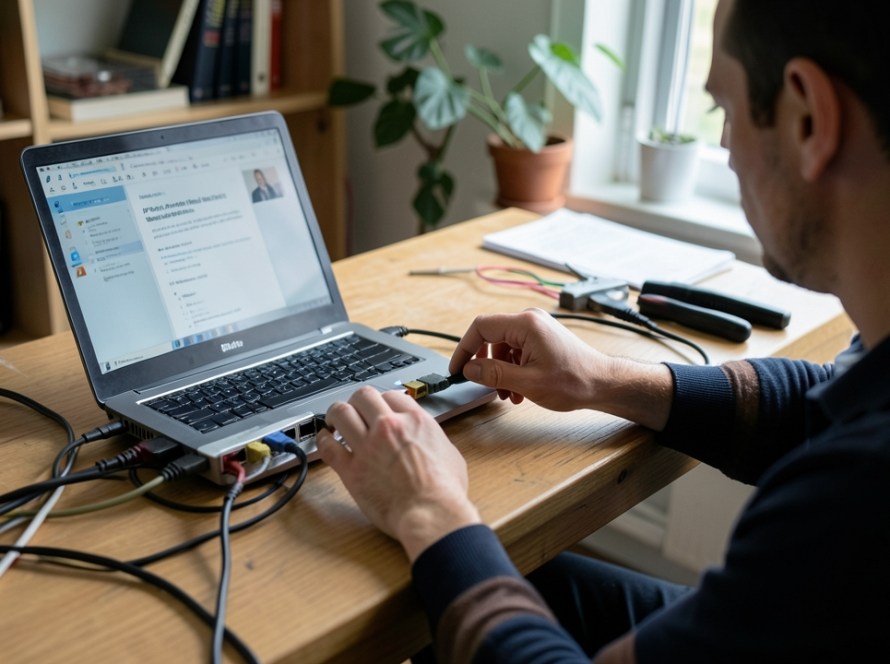
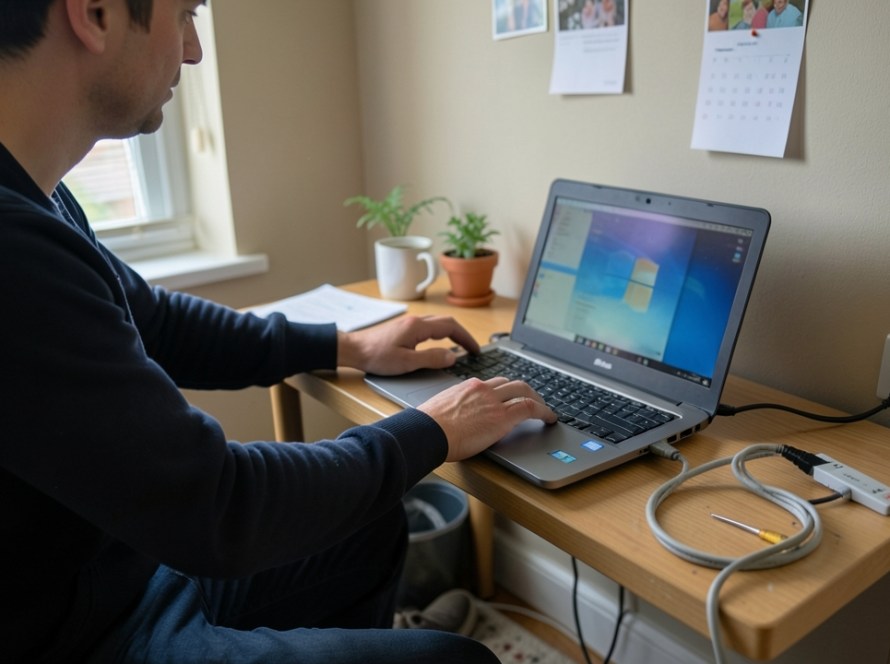
When a security camera suddenly displays a vivid pink or purple hue during the day, the culprit is almost always optical rather than a broken image sensor. Daytime sunlight contains high levels of infrared light, which human eyes cannot see but digital camera sensors detect vividly. Under normal conditions, an internal component blocks this infrared light during daytime hours to preserve realistic colours.
If your daytime footage looks tinted pink, magenta, or violet while greens and blues appear distorted, your camera’s internal mechanical infrared filter has failed to engage. Understanding how this filter operates helps you run practical diagnostic checks and restore normal video quality without immediately replacing hardware.
What Causes a Pink or Purple Image on a Security Camera?
Modern surveillance cameras feature an IR cut filter (Infrared Cut-off Filter). This is a tiny mechanical shutter or glass slide placed directly between the camera lens and the image sensor.
- Daytime operation: The camera moves the IR cut filter in front of the sensor to block infrared radiation, allowing only visible light through so colours appear natural.
- Nighttime operation: When ambient light drops, an optical sensor triggers the built-in infrared LEDs. At the same moment, a small electrical coil or solenoid pulls the IR cut filter away from the sensor so the camera can capture infrared light in black-and-white night mode.
If the mechanical filter becomes physically jammed, loses power from the control board, or fails to receive the switching signal, infrared light floods the sensor in broad daylight. This produces the characteristic magenta or purple colour cast across your entire image.
Safe Diagnostic Steps to Unstick an IR Cut Filter
Before dismounting hardware or modifying firmware, try these safe mechanical and electrical tests. Many stuck filters are caused by minor mechanical friction, temperature extremes, or minor voltage fluctuations.
1. Force an Day/Night Mode Transition
Triggering the solenoid several times can dislodge a mechanically stuck filter:
- Cover the camera lens and ambient light sensor completely with a dark cloth or your hand for 15 to 20 seconds.
- Listen closely near the camera body. You should hear a distinct physical mechanical “click” as the filter retracts and the IR LEDs turn on.
- Remove the cover abruptly to expose the sensor to bright light. Listen for a second “click” as the filter slides back into daytime position.
- Repeat this process three to five times. The repeated electromagnetic pulse often frees a sluggish mechanical hinge.
2. Toggle Day/Night Settings in the Camera Web Interface
If your camera is connected to an NVR or accessible via its web management page, you can command the filter electronically without physical access to the device:
- Log in to the camera or NVR configuration interface using a web browser.
- Navigate to Image Settings or Camera Parameters > Day/Night Switch.
- Change the setting from Auto to Night (or B/W) and click save. The image should immediately switch to black and white.
- Switch the setting to Day (or Color) and save again.
- Cycle between these modes a few times before returning the setting to Auto.
3. Perform a Controlled Power Cycle
A simple restart resets the camera’s internal microcontroller and initiates a hardware self-check routine during boot:
- Disconnect the PoE Ethernet cable or 12V DC power plug from the camera.
- Wait at least 60 seconds to allow all internal capacitors to discharge fully.
- Reconnect power and observe the boot sequence. Most cameras cycle their mechanical shutter during initialization to calibrate its resting position.
4. Gently Tap the Camera Housing
In outdoor installations, thermal expansion, moisture residue, or microscopic debris can cause the miniature plastic guide rails inside the lens assembly to bind:
- Using the rubber handle of a screwdriver or the palm of your hand, gently tap the side of the camera housing while the unit is running.
- Watch the live video feed on your monitor or mobile app while tapping to see if the filter drops back into place.
- Caution: Never strike the front glass lens or use excessive force that could alter the camera’s mounting angle or damage internal components.
When the Problem Is Electrical or Environmental
If manual switching and tapping do not clear the pink tint, the issue may stem from external factors rather than a physical jam.
Voltage Drop and Weak Power Supplies
The solenoid that drives the IR cut filter requires a brief surge of electrical current to pull the mechanical shutter. If your camera is powered via an excessively long, poor-quality network cable or an overloaded PoE switch, the voltage reaching the camera may fall below the operating threshold required to activate the solenoid coil.
To test this, connect the camera to the NVR or PoE switch using a short, known-good Cat6 patch lead. If the daytime colour returns to normal, inspect your field cabling or switch power budget.
Internal Condensation and Moisture Ingress
In outdoor bullet and dome cameras, degraded weather seals allow humid air to penetrate the enclosure. Microscopic moisture droplets can corrode the delicate coil wires of the IR shutter assembly or create surface tension on the slide rails, permanently seizing the mechanism.
Software and Firmware Glitches
Occasionally, an image sensor’s white balance algorithm corrupts after an unexpected power outage or interrupted firmware update. To rule out software faults:
- Check the camera’s White Balance (WB) setting. Ensure it is set to Auto (AWB) rather than a locked manual Kelvin temperature or extreme fluorescent preset.
- Verify if a stable firmware update is available from the manufacturer. Reflashing or updating camera firmware resets sensor colour lookup tables.
When to Replace the Lens Assembly or Camera
If the camera produces a pink hue, fails to click during light-to-dark transitions, and does not respond to power cycling or manual switching, the solenoid coil has likely burned out or the mechanical pivot has broken. Because miniature IR cut assemblies are delicate and factory-aligned to micron tolerances, replacing the individual camera is generally more cost-effective and reliable for small businesses and homeowners than attempting a lens teardown in the field.
Frequently Asked Questions
Why does my CCTV camera look purple during the day but normal at night?
At night, security cameras rely on infrared light and operate in black-and-white mode with the IR filter deliberately pulled away. Because the filter is not supposed to block infrared at night, night vision footage looks clear. The issue only becomes visible during the day when the missing filter allows ambient sunlight infrared to distort daytime colours into purple or pink.
Can a magnet fix a stuck IR cut filter?
Some technicians use a small, weak neodymium magnet swiped gently along the side of the camera barrel to physically pull the internal metal shutter back into place. While this can work as a temporary workaround, it does not solve weak solenoids or failing control circuits, and the filter will likely jam again during the next day-night transition.
Will a factory reset fix a pink security camera screen?
A factory reset only helps if the pink tint is caused by a corrupted White Balance setting or a software bug holding the sensor in manual color mode. If the issue is mechanical—which is the case in the vast majority of stuck IR filter situations—a factory reset will not unstick the physical glass slide.
Need Professional CCTV Support in Zuid-Holland?
Diagnosing intermittent video faults, degraded optical components, and cabling issues requires structured testing. KucuTech provides professional CCTV installation, maintenance, NVR diagnostics, and network troubleshooting for homeowners, shops, and small businesses throughout Zuid-Holland. If your security cameras suffer from poor image quality or hardware failures, our technicians can help restore dependable surveillance coverage.