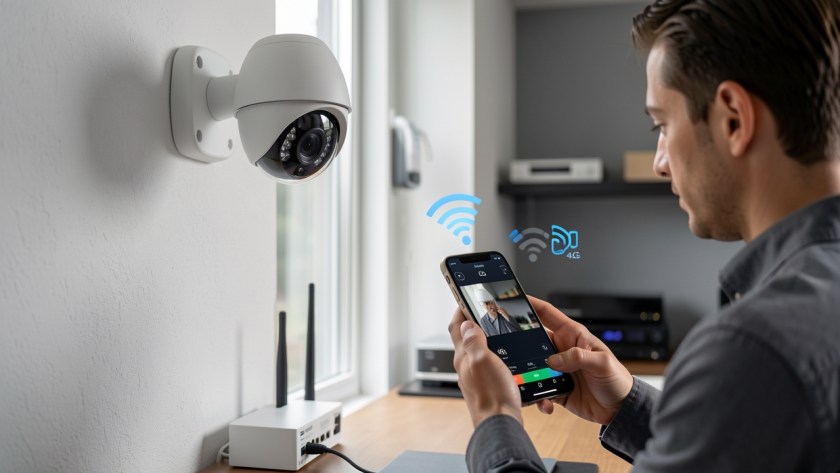
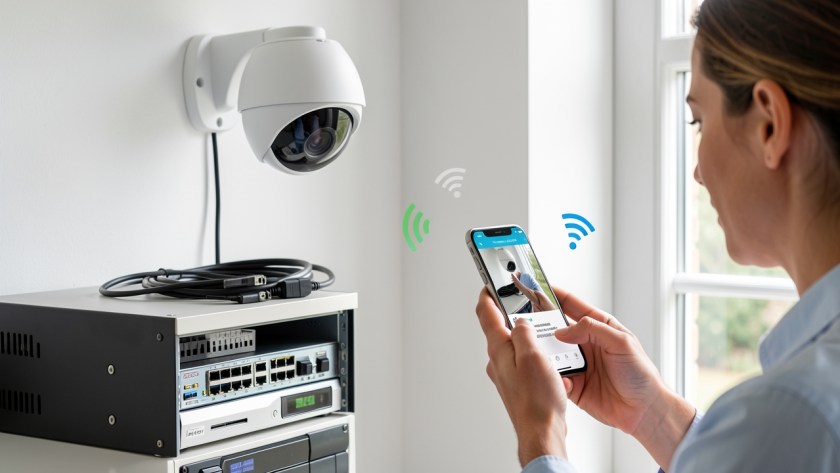
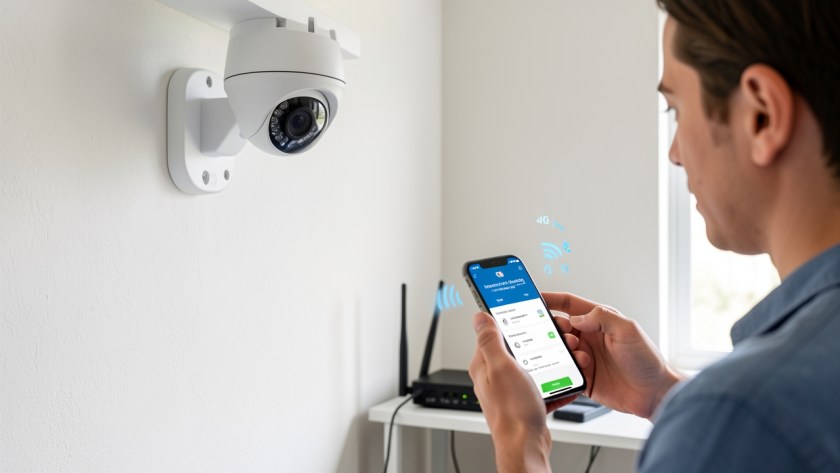
When a security camera suddenly displays a vivid pink or purple hue during the day, the culprit is almost always optical rather than a broken image sensor. Daytime sunlight contains high levels of infrared light, which human eyes cannot see but digital camera sensors detect vividly. Under normal conditions, an internal component blocks this infrared…

Installing multiple access points or a mesh Wi-Fi system is supposed to eliminate dead zones and deliver seamless coverage throughout a home, shop, or office. However, many users discover an irritating problem after expanding their network: a laptop, phone, or tablet stays stubbornly connected to an access point across the building with one bar of…
When setting up remote viewing for a security camera system, few error messages are as frustrating as "Device bound to another account" or "The device has been added by another account." This error occurs when you scan the QR code or enter the serial number of your NVR, DVR, or IP camera into a mobile…
If you pay for a 500 Mbps or 1 Gbps fiber internet subscription but your desktop computer, office workstation, or network storage device caps out at roughly 90 to 94 Mbps during download tests or file transfers, your wired network link is operating at Fast Ethernet (100 Mbps) rather than Gigabit Ethernet (1000 Mbps). Unlike…
When office staff log into their Windows PCs and find a red 'X' over a mapped network drive, daily productivity instantly halts. Attempting to open accounting files, shared documents, or project backups stored on a Network Attached Storage (NAS) or local server often results in long File Explorer delays or messages stating that the network…
Few technical glitches derail a busy workday faster than sending an urgent document to print, only to watch it sit endlessly in the print queue while Windows reports the printer as offline. The problem is particularly frustrating in small offices and home workplaces because the printer itself often appears awake, connected to Wi-Fi or Ethernet,…
A surveillance system is often forgotten until something goes wrong. Too many business owners and homeowners only realize their security cameras stopped recording, dropped offline, or became blurry when they urgently need to review footage after an incident. Routine maintenance prevents these critical failures and extends the operating lifespan of your equipment. A proactive approach…
Why IP Security Cameras Lose Connection When the Router Restarts If your IP cameras suddenly disappear from your local recorder or mobile app every time your internet router restarts, the underlying cause is rarely hardware failure. In most home and small-business networks, cameras go offline after a reboot because their local network address changed while…
When a Network Video Recorder (NVR) displays a "No Disk," "HDD Error," or "Uninitialized Drive" message, the recorder immediately stops saving video footage. In many instances, the system continues streaming live camera views to local monitors and smartphone applications, leading owners to assume security monitoring is fully operational until an incident occurs and historical footage…
If your IP security cameras operate perfectly throughout the day but randomly disconnect, reboot, or show a video loss error as soon as dusk falls, the underlying issue is rarely a failing camera or a broken internet connection. In the majority of installation environments, this pattern points directly to an exceeded Power over Ethernet (PoE)…
When you check your security recorder expecting to review video from two weeks ago, discovering that the hard drive only holds four days of history can be frustrating—and risky for business compliance or security audits. If your NVR (Network Video Recorder) or DVR is overwriting older footage far faster than expected, the issue is rarely…
When reviewing security footage, discovering that your CCTV system missed a key event—such as a visitor entering a doorway or a vehicle pulling into a drive—is frustrating. If your camera is set to record on motion but repeatedly skips important activity, the issue usually stems from incorrect detection settings rather than a hardware failure. Standard…